cookies preferences

Microsoft Power Automate Services

Delivering intelligent automation across complex business workflows

Talk to our Experts

Tired of spending weeks on repetitive manual tasks draining team productivity?

Automated workflows replace manual steps, enabling operations to run smoothly across systems while freeing teams to focus on strategic work.

Searching for a faster, low-code way to integrate applications and data?

Our team connects Microsoft and 3rd-party systems through Power Automate, enabling seamless end-to-end workflows that accelerate integration and reduce errors.

Concerned about uncontrolled automation and lack of governance?

We design scalable, governed automation frameworks that enforce enterprise standards, maintain compliance, and provide oversight to ensure reliable, sustainable automation.

Intelligent Automation with Power Automate

Optimize business processes with secure, enterprise-grade automation. We design scalable workflows and robotic process automation solutions that eliminate manual tasks, streamline approvals, and connect systems seamlessly.

From simple task automation to complex cross-platform orchestration, enable governed automation that improves efficiency, reduces operational friction, and drives measurable business impact.

Schedule a Call

AI in Power Automate

Accelerate enterprise automation with AI capabilities built into Power Automate. LevelShift enables intelligent workflows that are secure, scalable, and enterprise-ready:

  • AI Authoring: Turn natural language into production-ready flows.
  • AI Insights: Uncover automation gaps and optimization opportunities.
  • AI Processing: Automate document, image, and data handling.
  • AI Generation: Create structured outputs from raw data using generative AI.
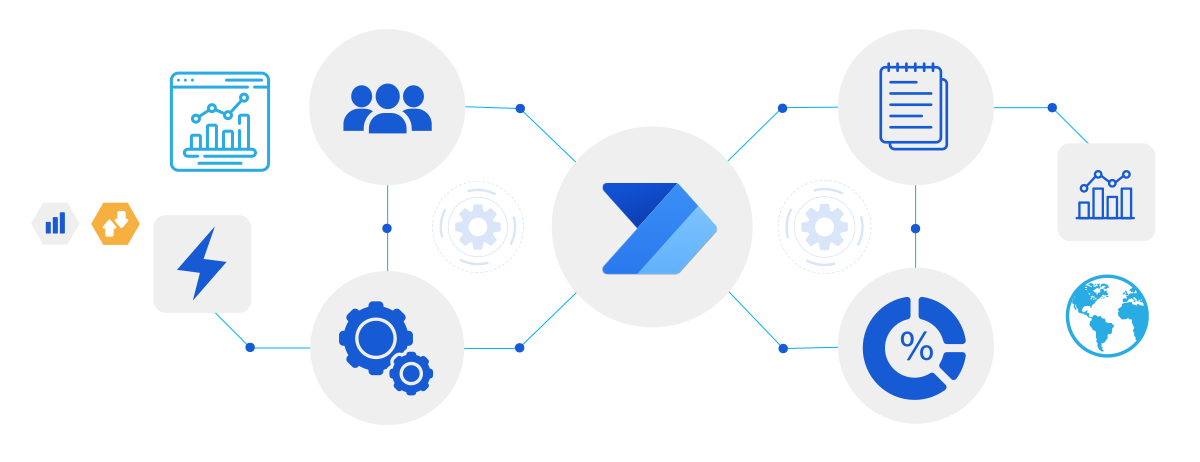
AI and Copilot in Power Automate

Power Automate Services from LevelShift
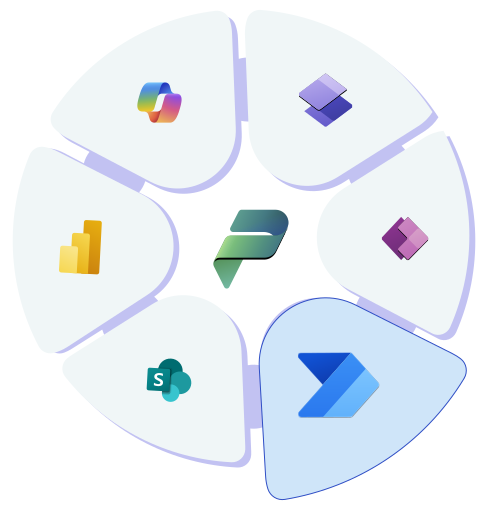
Data Analytics Services Illustration

Workflow Design and Implementation

End-to-end automated workflows for approvals, notifications, integrations, and background processes.

Business Process Automation

Automate finance, HR, sales, and operations workflows like invoice processing and onboarding.

System Integration

Connect Microsoft 365, Dynamics 365, SharePoint, SQL, SAP, Salesforce, and custom APIs.

RPA & Legacy Automation

Desktop automation for legacy systems where APIs are not available.

Governance & Lifecycle Management

Flow standards, environment strategy, DLP policies, and monitoring.

Managed Automation Support

Ongoing monitoring, optimization, failure handling, and performance tuning.

Industry Use Cases of Power Automate

Financial Services

Automated approvals, audit workflows, compliance notifications, and reporting handoffs.

Healthcare

Patient onboarding workflows, consent processing, data synchronization, and operational alerts.

Retail

Order processing automation, inventory updates, supplier notifications, and exception handling.

Manufacturing

Procurement workflows, quality issue tracking, maintenance scheduling, and reporting automation.

Professional Services

Client onboarding, document approvals, billing triggers, and service delivery workflows.

Customer Impact

Automating Approvals for Enterprise-Wide Planning

For a global professional services firm, manual approval processes and inflexible dashboards slowed enterprise planning and limited visibility across business units. By automating approval workflows with Power Automate and adding real-time status tracking, planning cycles became faster, more transparent, and easier to govern.

Read the full story

60% Improvement in Data Security

Granular access controls and stronger governance reduced unauthorized access to planning data.

50% Faster Decision-Making

Real-time dashboards and planning views gave teams immediate visibility into progress.

40% Increase in Productivity

Automated approval workflows and a modernized interface streamlined day-to-day execution.

Why LevelShift

  • Microsoft Specialised Low Code Solutions Partner
  • Repository of Copilot Builder logics, enterprise automation frameworks, and accelerators
  • 100+ Successful Microsoft Power Platform Projects Delivered
Microsoft Solutions Partner

Explore our full range of Power Platform Services

Learn More

Our Perspectives

FAQs

Microsoft Power Automate is a cloud-based platform for building automated workflows across apps and services, ranging from simple approval routing to complex, cross-system business processes. It combines cloud-based digital process automation, desktop RPA, and AI-assisted flow creation in one platform, so both business users and IT teams can automate work without heavy custom development.
Yes, but it needs the right foundation first. Enterprise deployments require a defined environment strategy (separating development, testing, and production), governance policies, and ongoing monitoring to handle high flow volumes across multiple business units reliably. Without that structure, flow sprawl becomes the limiting factor, not the platform itself.
Data loss prevention (DLP) policies control which connectors flows can use together, and naming and documentation standards keep ownership clear. A Center of Excellence model that reviews and monitors flows organization-wide, backed by regular audits in the Power Platform admin center, catches orphaned or duplicate flows before they cause issues.
Yes. Power Automate offers standard and premium connectors for widely used non-Microsoft platforms like Salesforce and SAP, plus custom connectors for proprietary or less common APIs. For legacy systems with no API at all, RPA-based desktop flows automate the process at the UI level instead.
Desktop flows fit legacy applications, mainframe systems, or desktop software with no API to connect to, since they simulate mouse and keyboard actions directly on screen, either attended or unattended on a scheduled machine. Cloud flows should be the default whenever an API-based connector exists, since they're more stable and easier to maintain.
Power Automate uses role-based access control, environment isolation, and Microsoft Entra ID authentication to control who can build, run, and edit flows. DLP policies restrict which connectors can be combined in a single flow, and the underlying Microsoft cloud infrastructure holds certifications including SOC 2 Type II and ISO 27001 and supports GDPR and HIPAA compliance requirements.
Most RPA tools only automate at the UI level, and most workflow or BPM tools only handle structured, API-based processes. Power Automate combines both, cloud-based digital process automation, desktop RPA, and AI-assisted flow design, in one governed platform, so organizations don't need separate tools for connected systems and legacy applications without APIs.
Copilot lets people describe what they want to automate in plain language and generates a working flow instead of requiring manual configuration of each trigger and action. This lowers the learning curve for business users building their first flows and speeds up how quickly IT teams can prototype more complex automations.

Need help designing governed Power Automate workflows that scale and drive real outcomes?

Talk to our Experts